Your desk does not need one keyboard for spreadsheets and another for late-night matches. A thoughtfully chosen mechanical keyboard can handle both. The trick is to look beyond the “gaming” label and balance switch feel, useful keys, connection performance, and sound.
This keyboard guide breaks down what actually changes between gaming and typing, where the compromises matter, and how to build a hybrid desk setup without buying everything twice.
Do You Really Need Two Keyboards?
Usually, no. Modern custom and prebuilt mechanical keyboards offer enough choice to combine comfortable daily typing with responsive gaming. A compact layout, familiar switches, and the right connection mode can make one board feel at home in both settings.
Two keyboards may still make sense if your work depends on a built-in number pad while your gaming setup demands the smallest possible footprint, or if your shared office requires near-silent typing. Otherwise, start with one balanced board and tune the details.
Switches: Fast Inputs vs. Confident Typing
For gaming: light, smooth linear switches
Light linear switches in roughly the 35g–45g actuation-force range are a useful starting point for players who prefer easy repeated presses and fluid movement inputs. Their uninterrupted travel can feel natural for double taps and quick combinations.
However, lighter does not automatically mean faster. Actuation distance, reset behavior, keyboard electronics, and your technique also matter. Conventional mechanical switches normally register before bottoming out, so pressing harder to the end of travel is not what triggers the input.
For typing: feedback without fatigue
A gentle tactile bump can make key presses feel more deliberate. A medium-weight linear switch is another good choice if very light switches cause accidental inputs. Neither option guarantees fewer errors; the best switch is the one that suits your hands and typing habits.
The hybrid sweet spot
Try factory-lubed linear switches around 45g–50g actuation force, or light tactile switches with a comfortable bump. Treat these numbers as a starting range, not a universal rule. Manufacturers may list actuation force, bottom-out force, or spring weight, so compare like with like.
For a fuller explanation, read our complete guide to choosing keyboard switches. If you are still deciding between switch families, our linear vs. tactile vs. clicky comparison is a practical next stop.
Layout: Give Your Mouse Room Without Losing Useful Keys
A full-size 100% keyboard keeps the number pad close, which is helpful for frequent numeric entry. The trade-off is width: the extra keys can push your mouse farther to the right and reduce room for low-sensitivity swipes.
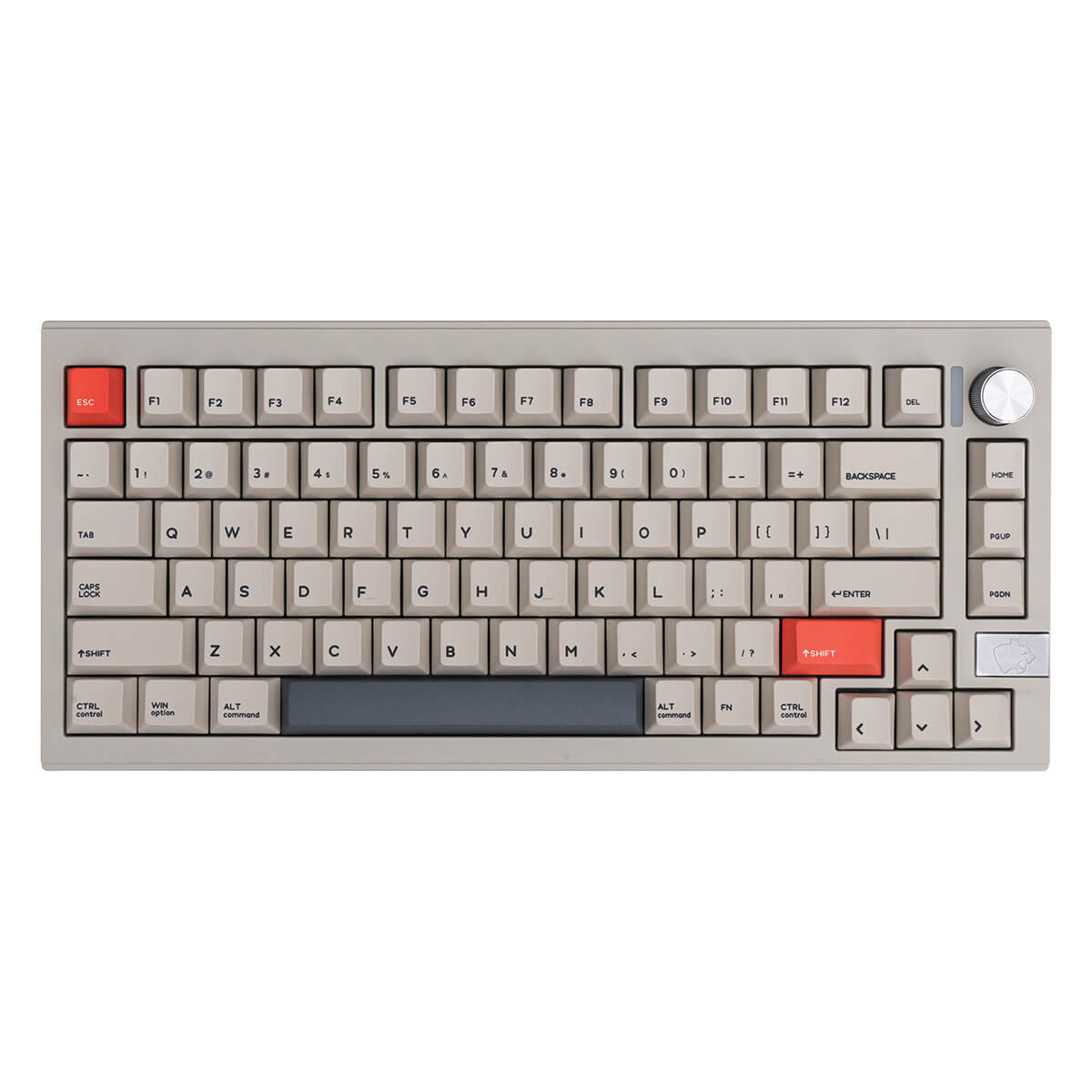
For mixed work and play, 75% and TKL layouts are strong starting points. Both commonly retain a function row and dedicated arrow keys. A 75% layout packs them more tightly; TKL usually keeps more familiar spacing and navigation clusters.
Depending on the actual models, moving from full-size to a compact board can recover around 8–10 cm of desk width, but that is not a guaranteed saving. Compare case dimensions rather than relying on layout percentages. Also check the placement of Delete, Home, End, and other keys you use daily.
If you only need a number pad occasionally, a separate one can give you a more flexible desk setup.
Tri-Mode Connectivity: Convenience by Day, Performance by Night
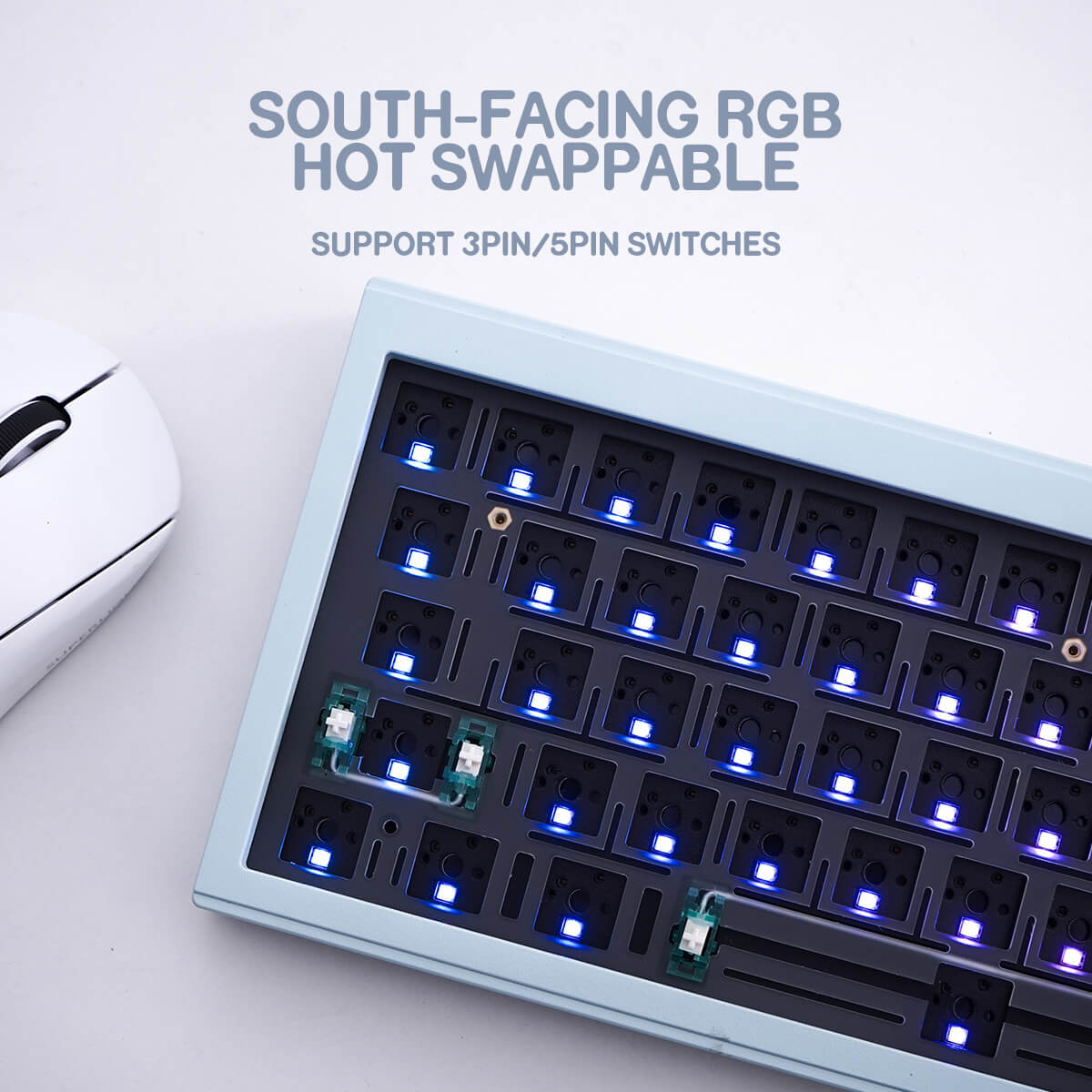
A tri-mode keyboard combines Bluetooth, 2.4 GHz wireless, and USB wired connectivity. That makes it useful for a setup that moves between work devices and a gaming PC.
During the day, Bluetooth can simplify switching between a MacBook, iPad, and PC, provided the keyboard supports multiple paired devices and the operating systems you use. Check the pairing controls, shortcut behavior, and Mac/Windows key mapping before buying.
For competitive play, wired USB is a dependable starting point. A well-implemented 2.4 GHz connection can also perform well, but results depend on the keyboard, receiver placement, wireless interference, and firmware. Some boards use a physical mode switch; others use shortcuts.
1000Hz does not automatically mean 1ms total latency
A 1000Hz polling rate corresponds to a nominal reporting interval of 1 millisecond. It does not prove the keyboard has 1ms end-to-end latency. Switch scanning, debounce, wireless transmission, and processing can add delay.
Check which connection modes support the advertised polling rate, and look for measured latency rather than treating “tri-mode” as a performance guarantee. Bluetooth is convenient for work, but wired or a tested 2.4 GHz mode is generally the better starting point for latency-sensitive gaming.
Keyboard Sound and Microphone Etiquette
Clicky switches, including many blue-style switches, can be distracting in meetings and voice chat. If your microphone sits near the keyboard, a smoother-sounding board can make shared calls more pleasant.
A gasket-mounted keyboard may provide a more cushioned typing feel, while keycap material, thickness, plate, case, and internal damping all contribute to its sound. None of these features alone guarantees a deep tone or quiet operation.
Cherry-profile PBT keycaps are worth considering for a lower-profile sculpted feel and textured surface. For visual options, explore the Astronaut Space Cherry Profile PBT keycap set or the Dark Night Thorns Cherry Profile PBT keycap set. Check the included key sizes against your layout before ordering; neither link should be taken as a promise of a particular keycap thickness or sound.
For genuinely quieter typing, consider silent switches rather than relying on PBT or gasket mounting alone. Place the microphone closer to your mouth and farther from the board, adjust input gain, and test noise suppression. Keyboard noise pickup and microphone clipping are separate issues: quieter switches do not guarantee that a microphone will never clip.
Gaming vs. Typing vs. Hybrid: Quick Comparison
| Feature | Gaming-focused | Typing-focused | Balanced hybrid |
|---|---|---|---|
| Switches | Light linear, roughly 35g–45g actuation force | Gentle tactile or medium-weight linear | Factory-lubed linear around 45g–50g, or light tactile |
| Layout | Compact footprint for mouse movement | Useful navigation keys; number pad if needed | 75% or TKL with arrows and function row |
| Connection | Wired or measured low-latency 2.4 GHz | Bluetooth for convenient device switching | Tri-mode with verified per-mode specifications |
| Keycaps | Comfortable profile and clear legends | Preferred texture and sculpted profile | Cherry-profile PBT with compatible key sizes |
| Acoustics | Avoid distracting voice-chat noise | Consider coworkers and meeting microphones | Non-clicky or silent switches; tune mic placement |
| Desk mat | Enough uninterrupted mouse travel | Stable keyboard placement | Measured desk coverage and a mouse-friendly surface |
Three Rules for a Better Hybrid Build
1. Choose the layout before the accessories
Start with a 75% or TKL board if you want arrows, a function row, and more mouse space. Measure your desk and normal mouse sweep. Then confirm that your keycap set includes the right Shift keys, bottom-row sizes, and navigation legends.
2. Choose switches for your hands, then tune the sound
Use a 45g–50g linear or light tactile switch as a starting point, not a prescription. Test a few switches if possible. If calls are frequent, put silent options ahead of a fashionable sound signature. Our switch-type guide can help narrow the choice.
3. Build two modes into one desk setup
Use Bluetooth for convenient work-device switching and wired or a tested 2.4 GHz mode for evening gaming. Choose a desk mat that accommodates your keyboard and mouse movement without crowding the desk. A fabric mat may soften some desk-transmitted typing noise, but surface feel, edge comfort, and stability matter more than appearance alone.
Finish with compatible Cherry-profile PBT keycaps, then test the entire setup during both a work session and a game. Adjust one variable at a time so you can tell what genuinely improves comfort.
The Bottom Line
The best keyboard for work and play is not necessarily the lightest, loudest, or most aggressively marketed. It is the one that keeps your typing comfortable, your useful keys accessible, your mouse free to move, and your gaming connection consistent.
Start with a 75% or TKL layout, balanced switches, and verified connectivity. Add compatible keycaps and a properly sized desk mat, then tune sound and microphone settings for your space. One well-chosen mechanical keyboard can cover both sides of your day.